 Telehub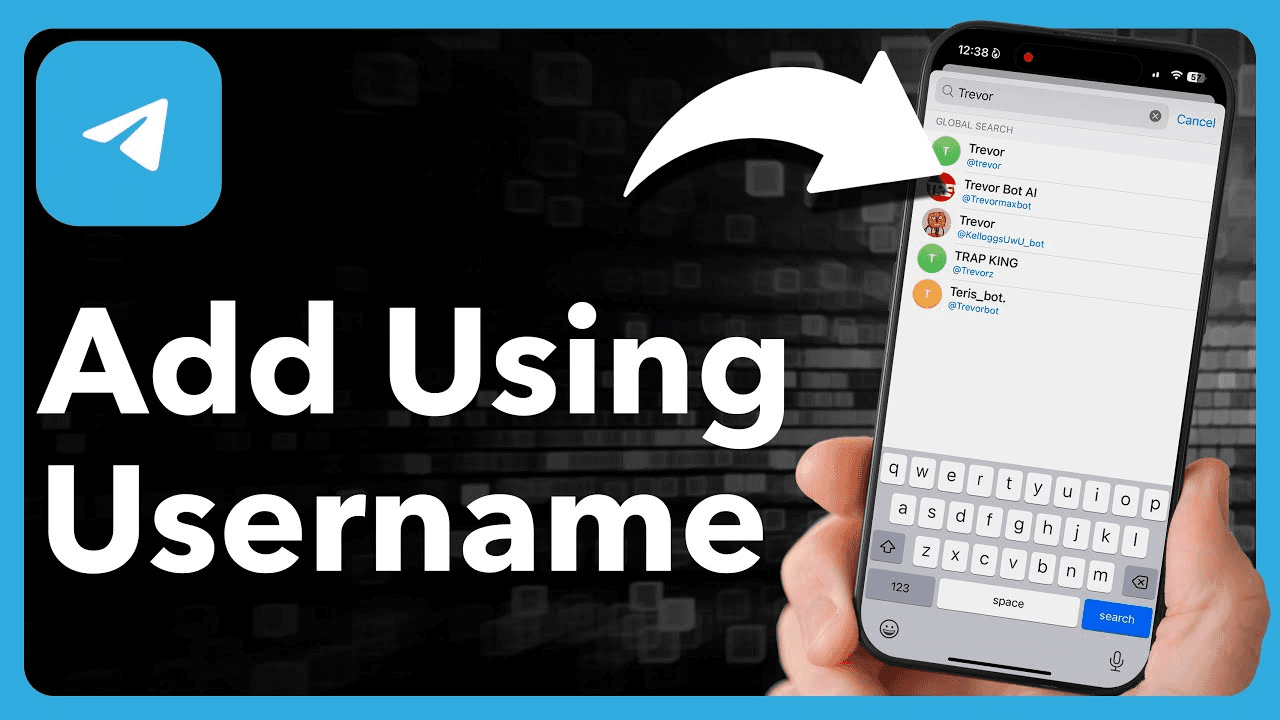
How Telegram Contacts Work
Telegram contacts are connected either through:
phone numbers
usernames
shared groups
invite links
QR codes
Unlike many messaging apps, Telegram allows users to communicate without always sharing their personal number publicly.
This is one of the reasons Telegram has become popular for:
Common Telegram Use Case | Why People Like It |
|---|---|
Online communities | Better privacy |
Business networking | Easy communication |
Study groups | Fast group joining |
Creator communities | Username-based connections |
International chats | No SMS limitations |
Many users prefer connecting through usernames because it adds an extra layer of privacy.
How to Add Someone Using Their Phone Number
The most traditional way to add someone on Telegram is through their phone number.
To do this:
Open Telegram
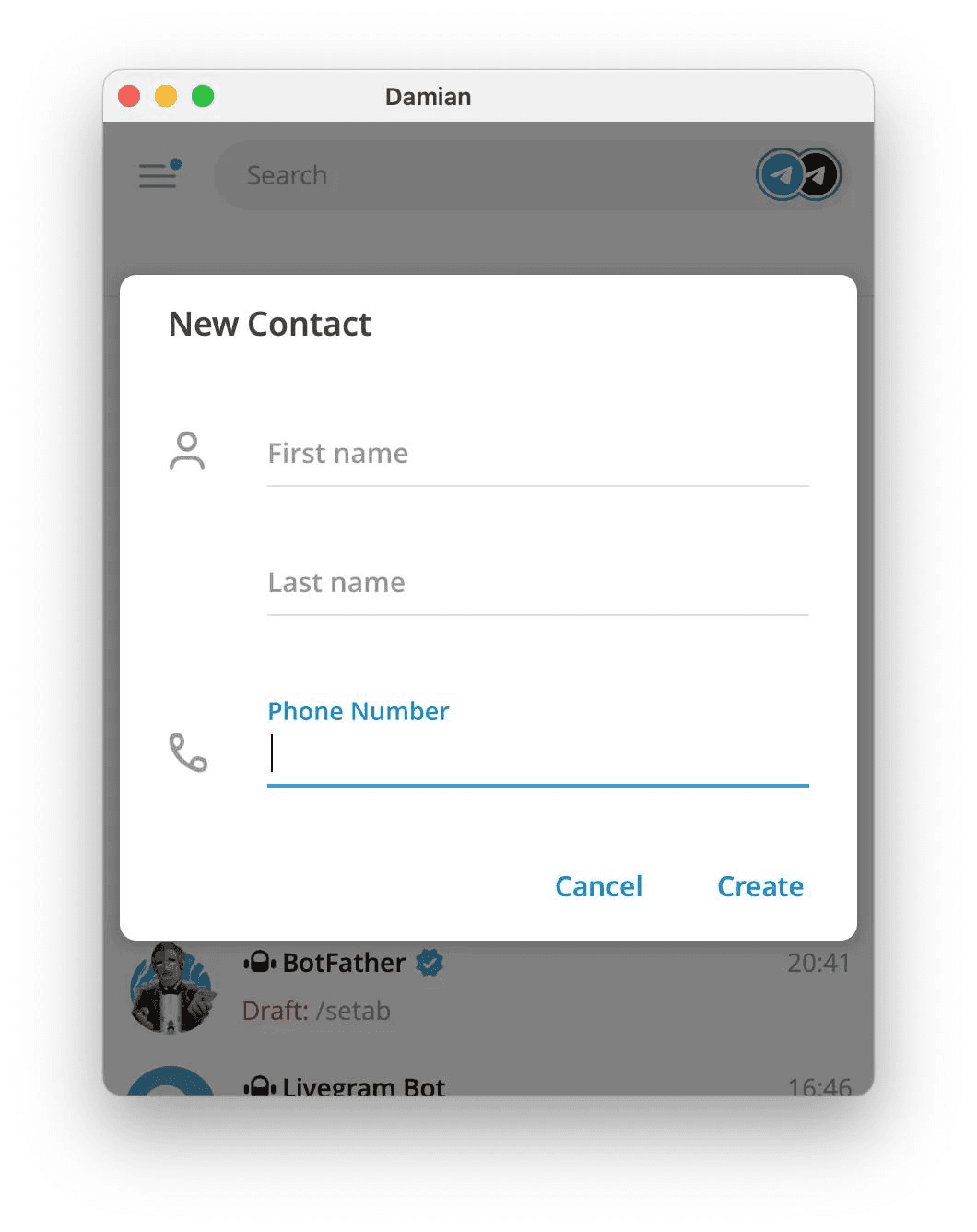
Tap the Contacts section
Press Add Contact
Enter the person’s name and number
Save the contact
If the person already uses Telegram, they will appear automatically in your Telegram contacts list.
If they do not have Telegram yet, Telegram may give you the option to invite them.
This method works best for people you already know personally.
How to Add Someone Using a Telegram Username
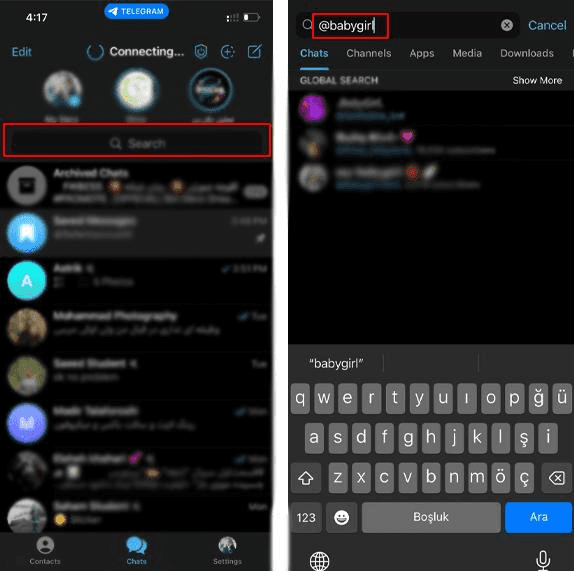
One of Telegram’s most useful features is the ability to connect through usernames instead of phone numbers.
Usernames begin with the @ symbol, such as:
To add someone using their username:
Open Telegram search
Type their username
Select the correct profile
Start the conversation
This allows users to communicate without sharing private contact information directly.
Many creators, businesses, and online communities prefer username-based communication because it feels more secure and professional.
How to Add Someone From a Shared Group
If you share a Telegram group with someone, you can often add them directly from the member list.
Inside the group:
tap the person’s profile
open their account
message or save them
This method is common inside:
Group Type | Common Connections |
|---|---|
Study groups | Students |
Crypto communities | Traders |
Gaming groups | Teammates |
Business communities | Networking |
Creator groups | Subscribers |
Shared communities make it much easier to discover and connect with new people naturally.
Directories like Telehub also help users discover active Telegram communities where they can meet people with similar interests.
Using QR Codes to Add Someone on Telegram
Telegram also supports QR codes for fast contact sharing.
A QR code can instantly open someone’s Telegram profile without manually typing their username or phone number.
To use a Telegram QR code:
Open the camera or QR scanner
Scan the code
Open the Telegram profile
Start chatting
This method is especially useful at:
events
conferences
schools
creator meetups
business networking situations
QR sharing has become more popular because it removes typing errors and speeds up connections.
Why You Might Not Be Able to Add Someone
Sometimes Telegram users cannot be added immediately because of privacy settings or account restrictions.
Common reasons include:
Problem | Explanation |
|---|---|
Privacy restrictions | User limits who can contact them |
Wrong username | Typing mistake |
Deleted account | User no longer active |
Blocked access | User blocked communication |
Hidden phone number | Contact syncing disabled |
Telegram gives users strong privacy controls, which means not every profile is fully open to public messaging.
This helps reduce spam and unwanted contact requests.
How Privacy Settings Affect Telegram Contacts
Telegram includes several privacy tools that control who can:
see your phone number
add you to groups
message you
view your profile information
Users can customize these settings inside:
This flexibility is one of Telegram’s biggest advantages compared with many messaging apps.
Privacy Feature | Purpose |
|---|---|
Hidden phone number | Better anonymity |
Contact restrictions | Reduces spam |
Group invite controls | Prevents unwanted additions |
Username system | Safer public communication |
Understanding these settings helps users connect more safely online.
The Easiest Way to Connect With People on Telegram
The easiest way to add someone on Telegram depends on the situation.
Best Method | Ideal Use Case |
|---|---|
Phone number | Friends and family |
Username | Online communication |
Shared groups | Community networking |
QR codes | Fast in-person adding |
Telegram’s flexibility allows users to connect in multiple ways without always needing to share personal information directly.
As Telegram communities continue growing, platforms like Telehub make it easier to discover groups, channels, and communities where users can naturally connect with people who share similar interests.
Whether you are joining a study group, networking community, creator channel, or hobby-based discussion space, understanding how Telegram contacts work makes the platform much easier to navigate.
Related Articles
Start with the main guide
This subpage belongs to a larger pillar article. Read the main guide for the full overview and related steps.

Telehub reminder