 Telehub
What Posting on Telegram Means
Posting on Telegram means sharing messages, links, media, or updates inside chats, groups, or channels. The way you post depends on the type of conversation space you are using.
Telegram allows users to post in:
private chats
group discussions
broadcast-style channels
community topic threads
Each environment has a slightly different purpose. For example, groups are designed for conversations, while channels are built for announcements and audience updates.
Understanding the difference helps you choose the best place to share your content.
How to Post in a Telegram Chat
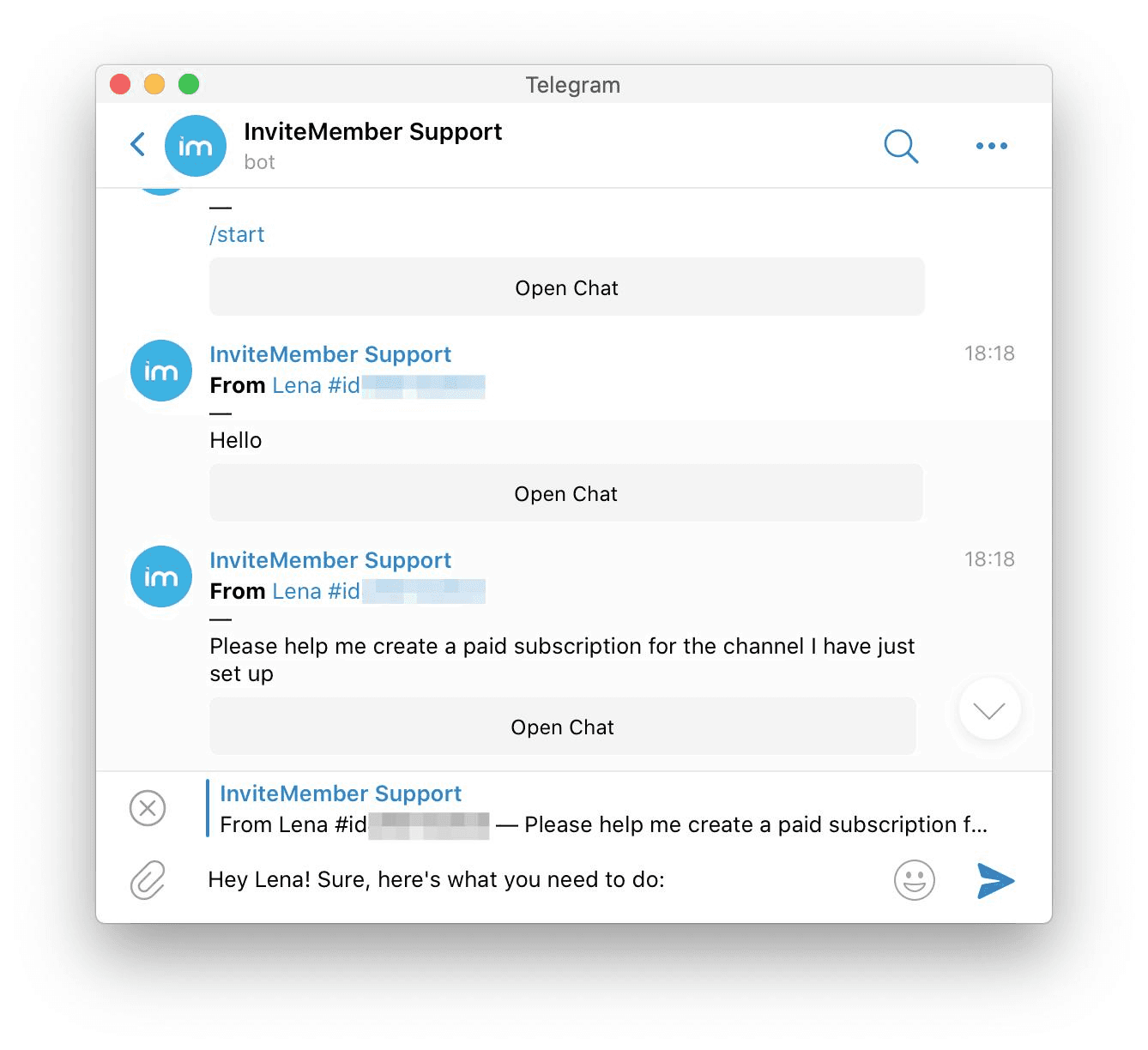
Posting inside a private chat is the simplest way to share content on Telegram.
To post a message:
Open the chat
Type your message
Tap Send
You can also attach:
photos
videos
documents
voice messages
links
Telegram supports large file sharing, which makes it popular for students, creators, and online communities.
Posting in chats is ideal when communicating directly with friends, teammates, or collaborators.
How to Post in a Telegram Group
Posting inside a Telegram group allows you to share information with multiple people at once.
To post in a group:
Open your group
Tap the message field
Write your message
Press Send
Group members can respond immediately, making groups ideal for:
study communities
project collaboration
discussion spaces
interest-based communities
If posting permissions are restricted, you may need approval from an admin before sharing content.
Active group conversations help communities grow faster and stay engaging for members.
How to Post in a Telegram Channel
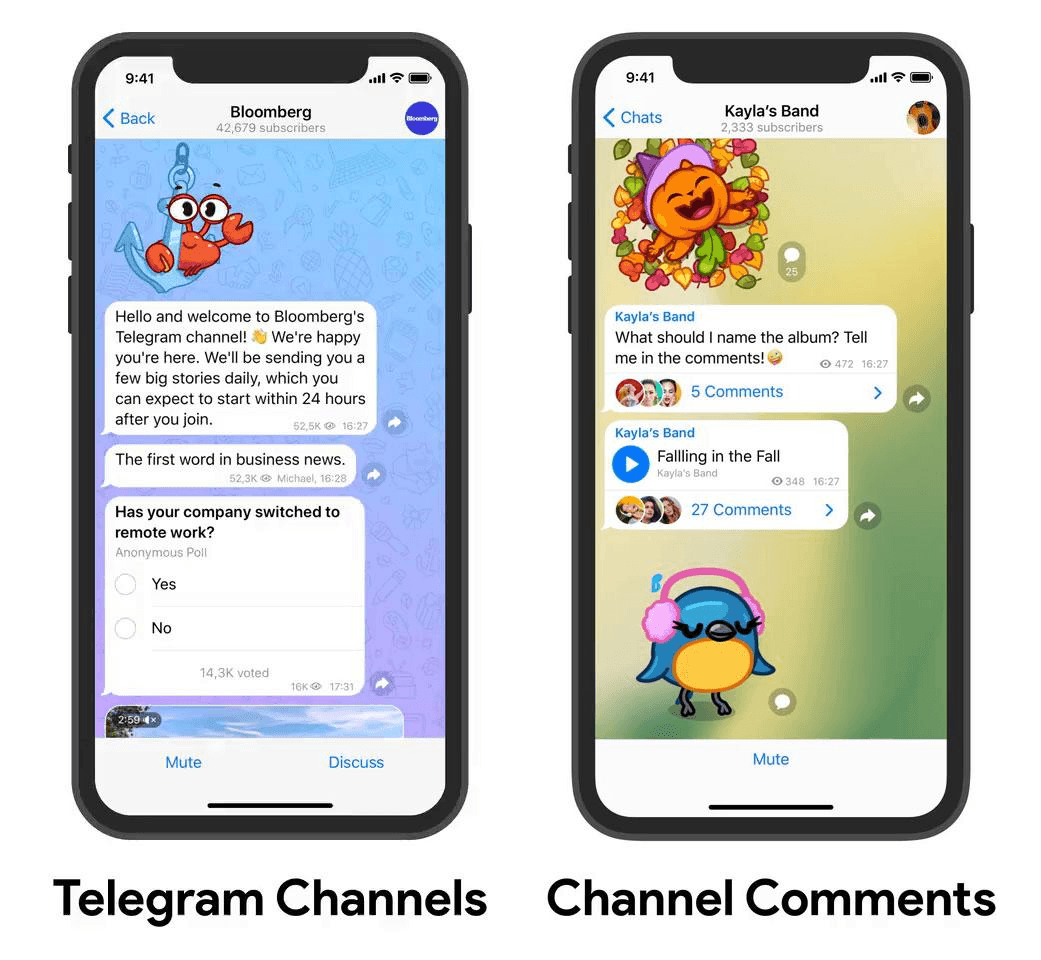
Channels work differently from groups because they are designed for broadcast-style posting.
Only channel admins can publish posts unless special permissions are enabled.
To post in a channel:
Open your channel
Tap the message field
Write your update
Press Send
Channels are commonly used for:
announcements
news updates
creator content
community alerts
Many creators prefer channels because they keep communication organized and easy to follow.
How to Post Photos, Videos, and Files on Telegram
Telegram supports sharing multiple types of media in a single post.
To attach media:
Tap the attachment icon
Select your file
Add a caption if needed
Tap Send
You can share:
images
videos
PDF files
voice recordings
links
Adding captions improves clarity and helps your audience understand the purpose of your post.
Media posts often receive more engagement than plain text messages.
How to Share a Telegram Group or Channel Link
Sharing an invite link is one of the most effective ways to grow your Telegram community.
To copy your invite link:
Open your group or channel
Tap the title at the top
Select Invite via Link
Copy the link
Once copied, you can post this link across platforms where your audience already spends time.
Many creators also submit their communities to structured discovery directories like Telehub, where users actively search for new groups to join. This helps communities grow more consistently than relying only on social media sharing.
Best Places to Share Telegram Posts for More Visibility
Posting inside Telegram is only the first step. Sharing your content outside Telegram helps more people discover your community.
Popular places to promote posts include:
Reddit communities related to your topic
Discord servers (with permission)
Twitter or X discussions
student communities
Telegram directories
Directories like Telehub make it easier for users to find communities organized by category instead of searching randomly across the internet.
This improves the chances that new members joining your group are actually interested in your topic.
Tips for Posting Effectively on Telegram
Posting regularly helps your audience stay engaged and encourages new members to participate.
Helpful posting tips include:
keep messages clear and short
share useful resources
post consistently
welcome new members
stay focused on one topic per group
Communities that stay active are more likely to appear in recommendations and directories where users explore new Telegram groups.
If you want more people to discover your community, submitting your group to Telehub helps make your invite link easier to find for users already searching for active Telegram communities.
Keep reading
Related articles
More TeleHub guides connected to this topic, updated automatically as new posts are published.

Guide
How to Create a New Telegram Account
Learn how to create a new Telegram account, verify your phone number, set up a username, configure privacy settings, and start using Telegram.

Guide
How to Hide Phone Number on Telegram
Learn how to hide your phone number on Telegram, control who can find you by your number, protect your privacy, and use a username instead.

Guide
How to Add People on Telegram
Learn how to add people on Telegram using phone numbers, usernames, contacts, t.me links, and groups, including what to do when you can't find someone.

Guide
How to Get More Telegram Subscribers
Learn how to get more Telegram subscribers using valuable content, search visibility, directories, partnerships, invite-link tracking, and sustainable promotion strategies.
Telehub reminder